
The Real Talk Up Front
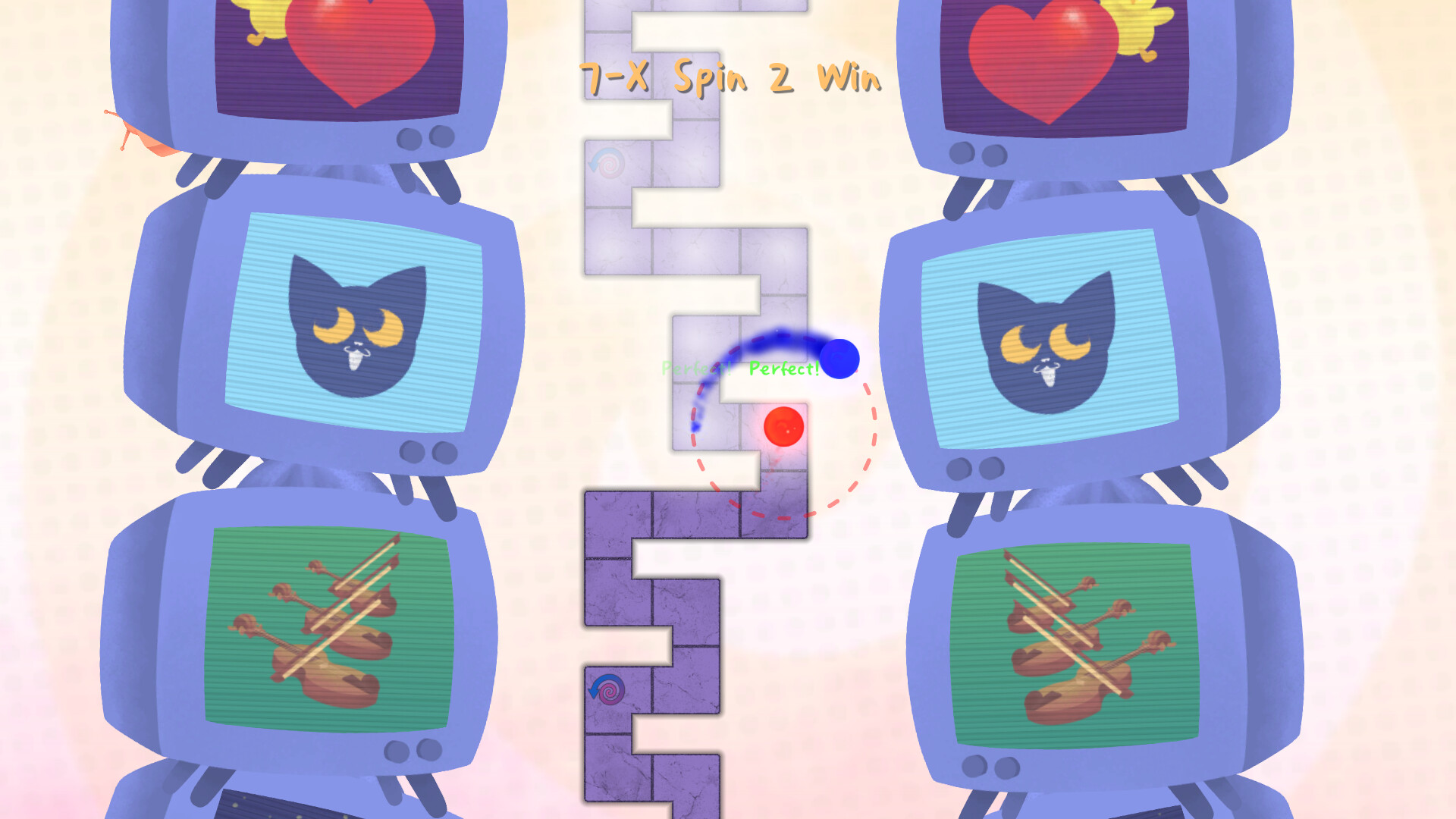
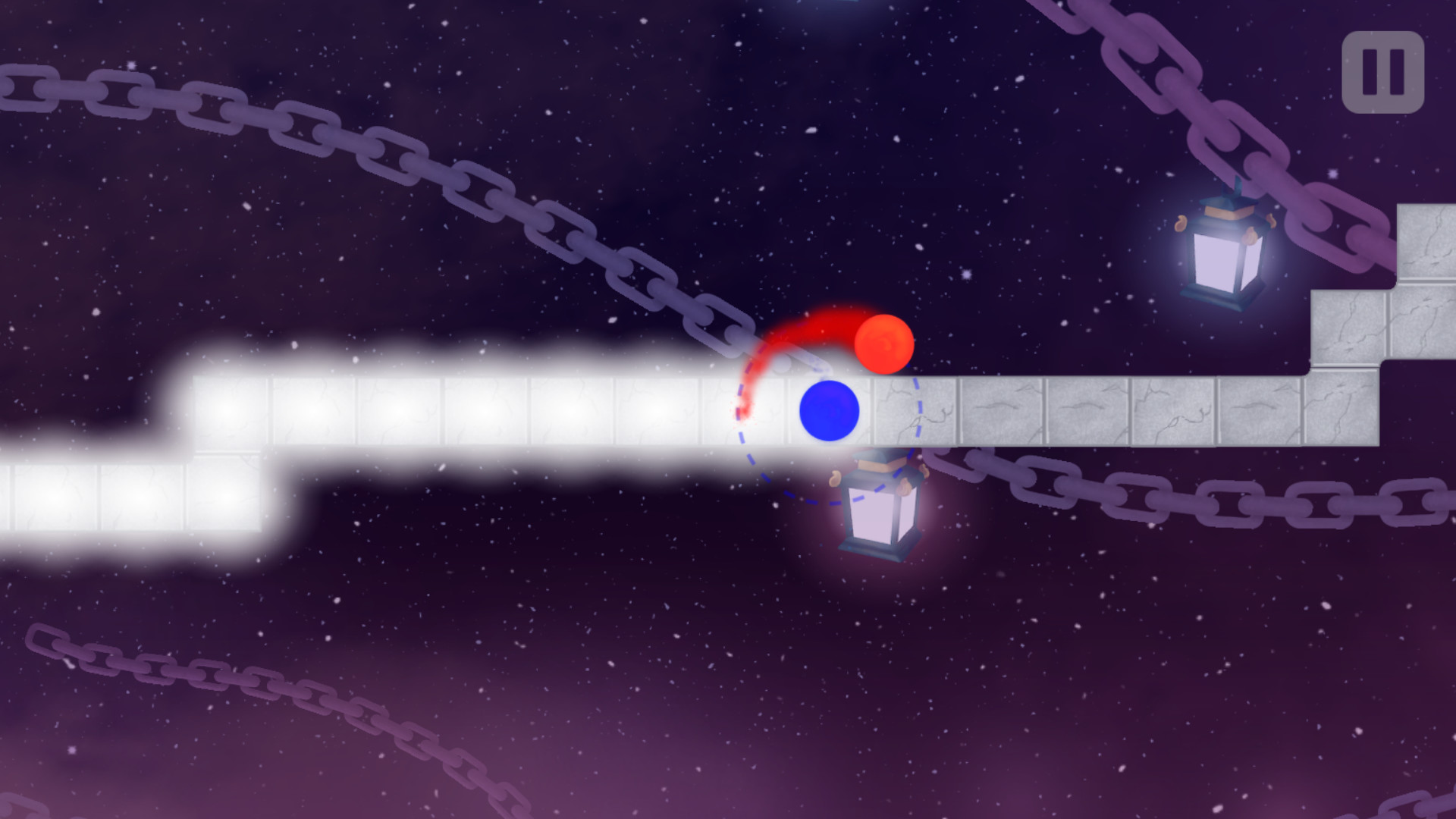
Yeah, this game can be brutal at first. I remember picking it up during a Steam sale thinking, "Oh, it's just a rhythm game, how hard can it be?" Two hours later I was staring at my screen with the same "I've made a terrible mistake" look I get when I try to eat a ghost pepper. A Dance of Fire and Ice is deceptively simple: you've got two orbiting planets, one button, and a path. Touch the tile on the beat. That's it. But the game will absolutely roast you for being even a millisecond off, and the difficulty curve goes from "nice little walk" to "why does the beat keep changing every 3 seconds" real fast.
What makes it special is the pure, unadulterated focus. There's no health bar, no power-ups, no story to distract you. It's just you, the beat, and a path that gets increasingly chaotic. The visual feedback is incredible—the planets spin, the colors pulse, and when you hit a perfect streak, the game lets you feel it. But what's annoying? The lack of forgiveness. Miss one tile on a tough section and you're sent back to the last checkpoint, which sometimes feels like it was placed by a sadist. The game's tutorial is basically "press button on time, good luck." There's no explanation of how the different patterns work or how to handle the advanced mechanics. You're just thrown in.
I've sunk about 200 hours into this thing. I've beaten every level on Normal and Hard. I've got the muscle memory for the World 6 pattern burned into my neurons like a bad tattoo. And I'm telling you: this game is pure crack for people who like precision and hate themselves just a little bit. If you're struggling, it's not because you have bad rhythm. It's because the game teaches you almost nothing about what's actually happening. So let's fix that.
Why You're Probably Failing (And It's Not Your Fault)
Let's call out the elephant in the room: World 1's boss is not an easy introduction. It's a straight path with a consistent beat, but the speed change in the middle catches everyone off guard. You're cruising along at a comfortable 120 BPM and suddenly the game throws a 160 BPM at you with zero warning. I failed that part probably 15 times before I realized the trick isn't to tap faster—it's to close your eyes and feel the beat change. The visual cues are misleading because the planets move at a constant speed on screen, but the beat changes are audio-only. Listen for the tempo shift a full bar before it hits.
Another huge frustration is wasting your focus on perfecting the first half of a level. The game's checkpoint system is generous on the surface (every full revolution of the path is a checkpoint) but brutal in practice. If you die at 80% of a level, you restart at the last checkpoint. So you'll spend 20 minutes nailing the first 30 seconds of a level, choke on the hard part, and then have to replay that easy section 15 more times. This is rage-quit territory. The solution? Practice the hard sections first. There's a practice mode (hit the little gear icon before selecting a level) that lets you play specific checkpoints. Use it. I didn't figure this out until World 4 and I still get angry thinking about all the time I wasted.
Struggling with World 3 (the one with the zig-zag paths)? That's the most common "I'm done with this game" moment. The pattern isn't random—it's a 6/8 time signature disguised as 4/4. Each zig and zag represents a triplet feel. Tap through the turns, not at them. The visual tells you to tap on the corner, but the actual beat lands a tiny fraction of a second after the corner. You're tapping too early. Delay your input by just watching the planet reach the turn, then tap. It's counter-intuitive but it works.
What I Wish Someone Shoved In My Face Before I Started
The game has one button input, but it's not as simple as "press button on beat." Here's the actual mechanics nobody explains:
- Hold to skip: You can hold the button down to skip the easy sections quickly. The planets will auto-propel through blue tiles as long as you hold the button. This is critical for speedrunning or retrying—you don't have to tap every single tile in the early part of a level. But don't hold on red tiles (those are the "hit me" tiles). The game will register a hold as a missed input if you're supposed to tap a red tile.
- The camera lock: By default, the camera follows your planets. This sucks for some patterns because you can't see what's coming. Press R (or whatever you mapped it to) to lock the camera in a fixed position. This is nearly mandatory for World 4 and World 6 where the path overlaps itself. I didn't know this existed until I watched a speedrun video.
- Perfect vs. non-perfect hits: The game grades you on Perfect, Good, and Miss. A "Good" won't kill you on Normal difficulty, but it will on Hard. The window for Perfect is about ±30ms. That's tight. But here's the secret: the game actually helps you on the first few hits of a checkpoint. You get a small grace period of about 50ms for the first three tiles. Use those to lock in your rhythm.
- The beat never changes mid-pattern: Every puzzle has a consistent BPM. Even if the speed feels different (like in World 2's spiral section), it's the same tempo. The speed illusion is caused by the tile spacing on screen. Tap at the same rate, ignore the visual speed-up.
Setting up your key binds is huge. Default is Space or Left Click. If you're on a keyboard, try using J or K—these keys have a crisper tactile response than Space. I switched to F after 30 hours and my accuracy jumped by 15%. It sounds stupid, but find a key that gives you instant feedback. Avoid membrane keys if you can.
Audio settings matter more than you think. The game uses a single audio cue for the beat. If you have any audio latency, even 10ms, you'll consistently miss. Go into your OS audio settings and set your output to 48kHz with lowest buffer size. The game also has a built-in Audio Calibration tool in the settings menu. Run it. It's not just for fun—it measures the exact delay between your hardware and the game's sound. I had a +18ms offset I never would have guessed.
The Stuff You Only Learn After 50 Hours of Pain
Alright, you've got the basics and you've stopped mashing the button like a maniac. Now let's get into the advanced shit.
Learn to "shadow tap." This is a technique where you tap the button silently (without pressing down fully) on every beat, even when you don't need to. It keeps your timing locked in constant motion. I do this on long hold sections or blue tile sequences. By the time I hit a red tile, my finger is already in sync with the BPM. It's like a metronome built into your hand. This single trick got me through World 7's nonsense.
The "double tap" reset. On certain patterns with back-to-back red tiles (like the World 5 boss), you'll sometimes hit two notes in a row and your timing will drift. If you feel yourself slipping, intentionally double tap the next single tile—hit it twice super fast. The game only registers the first hit for scoring, but the second hit resets your internal rhythm. It's a cheat code for your brain. I use this on every level with cluster tiles.
Screen position matters for peripheral vision. Don't stare at the planets. Stare at the center of the screen where the path is. The planets are always on the path, so your eyes should track the upcoming path, not the active planet. This lets you anticipate turns and beats without reacting. I call it "Zen mode." Once you get this down, you stop playing the game and start dancing to it. That's the whole point of the title, right?
World 4's teleporting tiles are not random. They look like they jump around, but the pattern is 100% consistent for each level. The way to beat them is to memorize the sequence of tile colors, not the path shape. The colors map to a specific pattern of beats: Blue = hold/skip, Red = tap, Purple = double tap. Write that down. When you see a purple tile, it's a double tap—always. No exceptions.
The hardest part of World 6 (the one with the intersecting circles) is actually the simplest. Everyone panics when the path splits into two converging lines. You don't need to track both. The planets always move in sync—one is just 180 degrees behind. Track the leading planet (the one that's closer to the upcoming tile) and ignore the other. Tap for that planet only. The trailing planet will sync automatically because the timing is identical. I wasted 4 hours on that section before realizing I was overcomplicating it.
Use the "micro-adjust" for the final boss. The final boss (World 8) has a section where the beat changes every 4 measures. The tempo shifts from 100 BPM to 140 BPM to 120 BPM. You can't rely on muscle memory here. What I do is tap slightly ahead of the beat during the first measure of each new tempo, then adjust to perfection by the third measure. The game penalizes early hits less harshly than late ones. The error window is about 40ms early vs. 25ms late. So lean forward.
Dumb Mistakes I Made So You Don't Have To
- Trying to "react" to every tile. This is the #1 mistake. You cannot react to a tile that appears 50ms before you hit it. Your brain has a reaction time of about 150-200ms. The game expects you to predict, not react. Repetition builds prediction. That's why practice mode exists—run the same section 20 times until your fingers know exactly when to press.
- Blowing through World 1 thinking it's easy. World 1's final boss has a hidden mechanic: the beat speed doesn't change, but the volume of the beat sound decreases during the fast part. This tricks your brain into thinking the tempo is different. Turn your volume up, focus on the physical planet impact, not the sound. I failed this boss 12 times before I realized I was being tricked by my own ears.
- Not using the speedrun mode for practice. There's a "Speedrun" mode in the menu where you play all levels in sequence. I avoided it because I couldn't beat individual levels. But the speedrun mode actually slows down the beat transfer between levels—it gives you a few extra seconds to breathe. Use it to chain checkpoints across levels without restarting from scratch.
- Holding the button too long on hold tiles. A hold tile requires you to press and release within a specific window. If you hold it for longer than 800ms (0.8 seconds), it registers as a miss. The game's visual feedback for this is terrible—there's no indicator that you've held too long. Practice the "quick press, quick release" motion. Your finger should bounce off the key like it's hot.
- Ignoring the in-game replay system. After you fail a level, the game offers to show a replay of your last attempt. Watch it. I didn't for 40 hours because I was salty. But the replay shows your exact timing per tile, with a color-coded indicator: green is perfect, yellow is good, red is miss. You'll see exactly which tiles you're rushing or dragging. Fix those specific tiles, not the whole section.
- Using a mouse for tapping. Just don't. The click latency on most mice is 5-10ms higher than keyboard keys. The game is precise to the millisecond. Use a keyboard, not a mouse. I learned this after failing World 3 on mouse 50 times, bought a keyboard, cleared it in 3 tries. Not a joke.
Quick Answers to Questions You're Googling Right Now
Q: I can't beat World 3's boss. What am I missing?
A: The boss pattern is a 3/4 time waltz disguised as 4/4. Count "ONE-two-three, ONE-two-three" in your head. The game's visual turns are on the "three" of each bar, not the "one." Tap on the third beat, not the first. Practice the first 4 tiles of that boss in practice mode until you can do it without looking at the screen.
Q: Is there a way to skip the tutorial?
A: Yes, put your input device down for a moment. The game will eventually say "Press any key to skip." This is hidden as a flow state mechanic. Also, every World has a "Skip Intro" button in the menu. Don't miss it.
Q: How do I get the "Perfect" rank on a level?
A: You need 100% Perfect hits (no Goods, no Misses). The game tracks your accuracy per tile. A single Good means no Perfect rank. The only way is repetition—I'm talking 30+ runs of the same level until your fingers are on autopilot. My personal best is 3 Perfects in a row on World 2 before my brain gave out.
Q: Why does the game feel "slow" sometimes?
A: Check your Frame Rate settings. The game caps at 60 FPS by default, but if your monitor is 144Hz, there's a subtle desync. Set the game to 144 FPS in the video settings (if available) or enable V-Sync. The fix for me was turning off V-Sync and setting a custom frame cap at 120 FPS. Made the timing feel 20% tighter.
Q: Are there any mods or custom levels?
A: The Steam Workshop has a massive library of custom levels. Some are better than the base game. Search for "Beginner Practice" packs—they have simplified patterns that teach you the mechanics without the visual clutter. I recommend the "Lissajous Practice" pack. It's free, it's good.
Q: I'm stuck on World 7's final section. The path is a mess.
A: Stop looking at the path. Close your eyes for 2 seconds and just tap to the music. The pattern is a syncopated 7/8 time signature. The fast taps are on beats 1, 3, 5, and 7, with a pause on 6. The visual path is designed to confuse you. Trust your ears, not your eyes.
Q: Can I play this game with a controller?
A: Yes, but the input lag is usually higher than a keyboard. If you use a controller, make sure it's wired and check the calibration tool. I've heard the PlayStation DualSense has the best response time (about 2ms). Xbox controllers average around 7ms. Avoid wireless anything.
💬 Comments
What players are saying:
I was about to refund this game after 2 hours of World 1. The tip about closing your eyes and feeling the tempo change literally saved it for me. I beat the boss in 4 tries after that. The distraction tip about World 3's 3/4 time is gold. Thanks for keeping it real and not pretending this game is easy.
Gonna disagree on one thing. I think the mouse can work if you have a low-latency gaming mouse (I use an old G402, 1ms response). I got through World 5 on mouse with 96% perfect. But the keyboard shortcut for world 6's camera lock was huge—I had no idea that existed. Also, the "shadow tap" trick got me from 85% to 95% accuracy in one session. Solid advice overall.
Finally someone who admits World 7's final section is a 7/8 nightmare. I spent eight hours on that part and felt like a failure. Your breakdown of the pause on beat 6 was the key—I was filling that pause with a phantom tap. Now I can stream World 7 casually. The audio calibration trick also fixed a problem I didn't even know I had. Going to try the "Lissajous Practice" pack next. Best guide I've read for this game, period.
Sign in to post a comment.
Sign in with GitHub to join the discussion.